split → layers
Split an image into layers — by object, or by color
* Free to use — selecting, editing and every export run in your browser, and nothing is uploaded unless you start a step that says it will: the AI tools, background removal on its sharper engine (an in-browser engine is one click away under the same button), or upscaling a photograph (logos and flat artwork are enlarged on your device). A free account (Google, Apple or an emailed code — no card) is needed to download the finished file, and comes with credits for the server-side tools.
Two kinds of splitting, one tool: credit-based hybrid AI separation for photographs, and free local color separation for logos, posters, and flat designs. Try the local tools without an account; downloads from either workflow require free sign-in.
Split an image nowKnow which split you need
Half the tools ranking for this search slice images into grid tiles, useful for Instagram carousels, useless for editing. The other half run server AI and return a flat PNG sheet. Splitting for editing means one of two things: separating the objects in a photo so each is independently movable, or separating the colors in a flat design so each can be recolored, cut, or printed on its own. Layersmith does both, and you can mix them in the same file.
By object: photographs and busy scenes
Click any object with AI grab and lift it to a layer, or press Auto-detect and let the model find, outline, and name every object in the scene at once. The background hole behind each lifted object can be filled by AI, so nothing depends on the object staying put.
By color: logos, posters, flat art
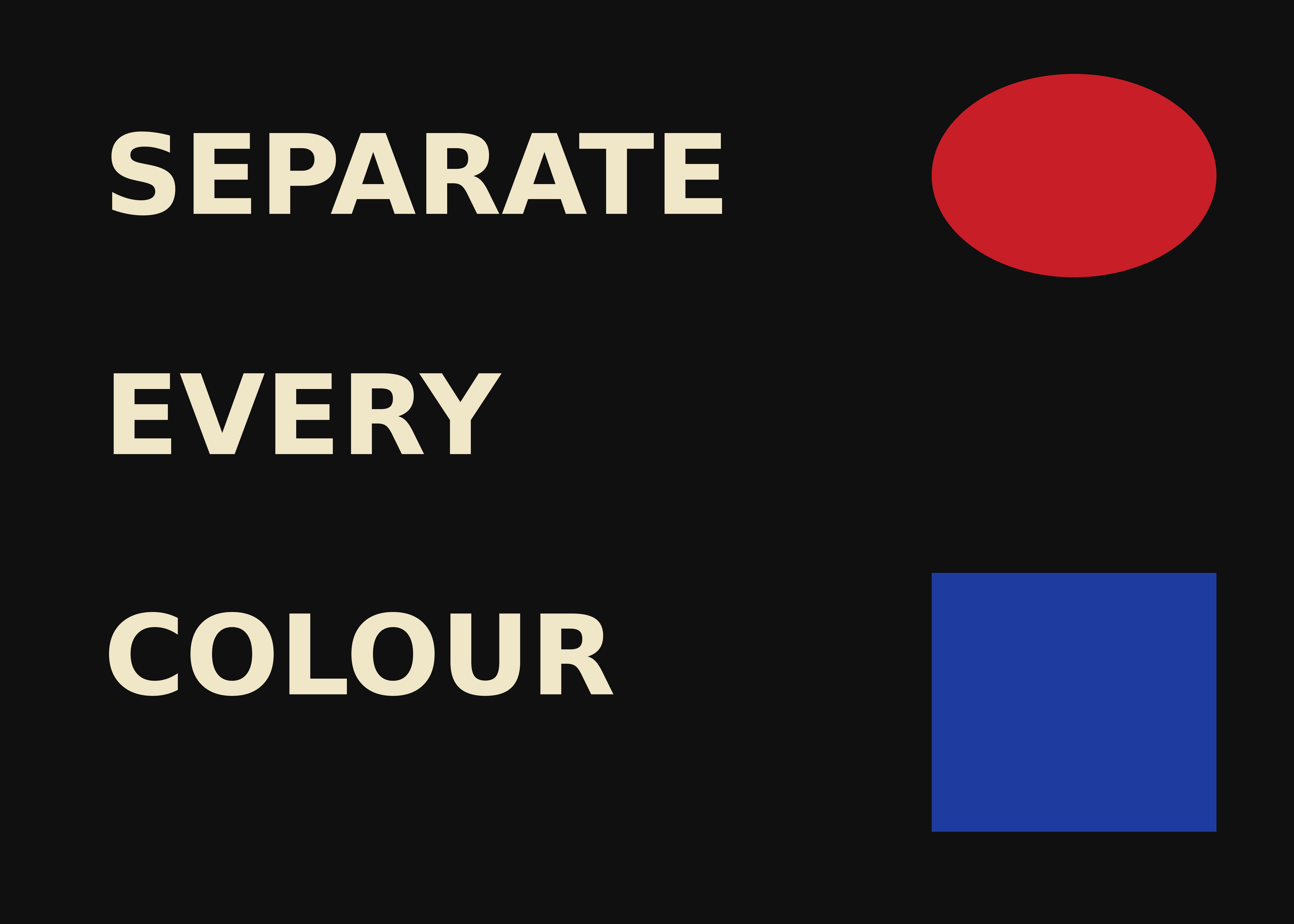
Split by color groups every pixel of the same color onto one layer: every letter of the lettering, every scattered patch of the same ink, one layer per color, with a human-readable name and its exact hex. This is the split that screen printers, vinyl cutters, and anyone recoloring a design actually need, and it groups by color rather than by connected shape, so multi-part elements stay together.
Real files out the other end
Export the split as a layered PSD with masks, a layered OpenRaster file for GIMP and Krita, or a numbered ZIP of transparent PNGs. Every export is written at full native resolution in your browser; exporting never uploads the layer stack.


Frequently asked
Can it split an image into equal parts / a grid?
That is a different job: this tool splits into editable layers (objects or colors), not tiles. For editing, printing, and design work, layers are what you want.
How many colors can Split by color handle?
Up to 12 per pass, controlled by a slider. The largest area stays as the base layer and each remaining color is lifted to its own named layer.
Do I need Photoshop?
No: the editor is a web app with nothing to install, and the exports open in free tools (Photopea, GIMP, Krita) as well as Photoshop and Affinity.
Is anything uploaded?
Not unless you use a server AI button (each is labeled with its credit cost). Splitting by color and all exports are fully client-side.
Keep reading
Split any image into editable layersSplitting by colour for screen printingLive2D material separationParallax planes for a 2D gameRelated
Turn any image into a layered .ora for GIMP and KritaA layered PSD that keeps your full resolutionRebuild flat artwork into a print-ready layered PSDAn Image to Layers alternative, compared honestlyUpscale artwork for printing without it going softTry the free image upscaler before signing upHow to get an image to 300 dpi for printingSeparate an image into layers online — try the editor free