subject ⇄ background
Separate the subject from the background, and keep both
* Free to use — selecting, editing and every export run in your browser, and nothing is uploaded unless you start a step that says it will: the AI tools, background removal on its sharper engine (an in-browser engine is one click away under the same button), or upscaling a photograph (logos and flat artwork are enlarged on your device). A free account (Google, Apple or an emailed code — no card) is needed to download the finished file, and comes with credits for the server-side tools.
Background removers give you one cutout and throw the rest away. This gives you a two-layer file: the subject with clean edges, and the full background rebuilt behind it.
Separate a photoThe half a background remover throws away
Remove-background tools answer one question: "give me the subject." But most real work needs both halves — swap the background but keep it as an option, blur it, recolor it, put text between the two, or animate them at different speeds for a parallax effect. That requires the subject AND the background as independent layers, with the background complete behind the subject rather than left with a subject-shaped hole.
One button, two engines
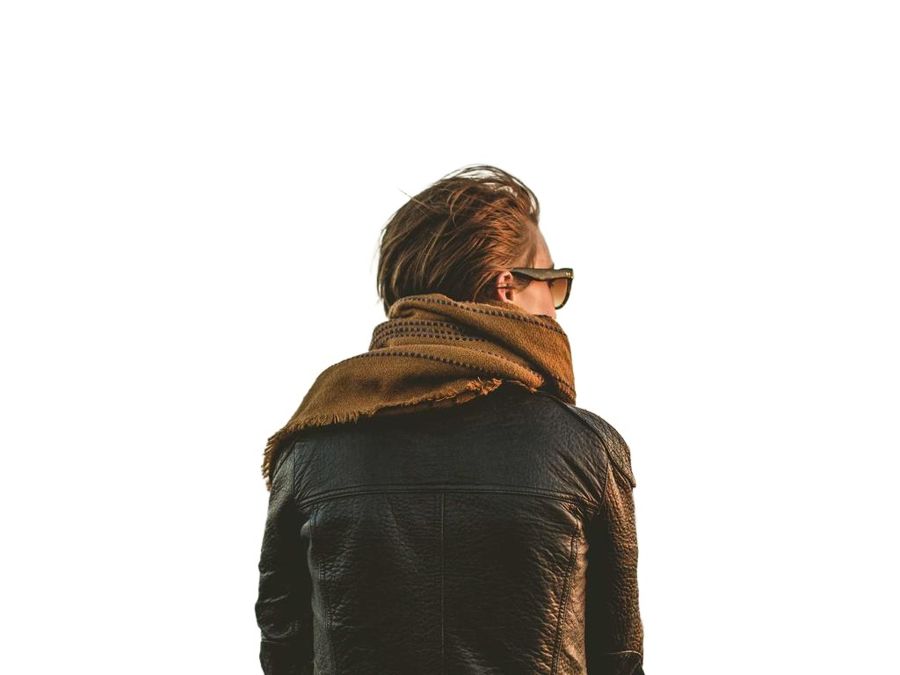
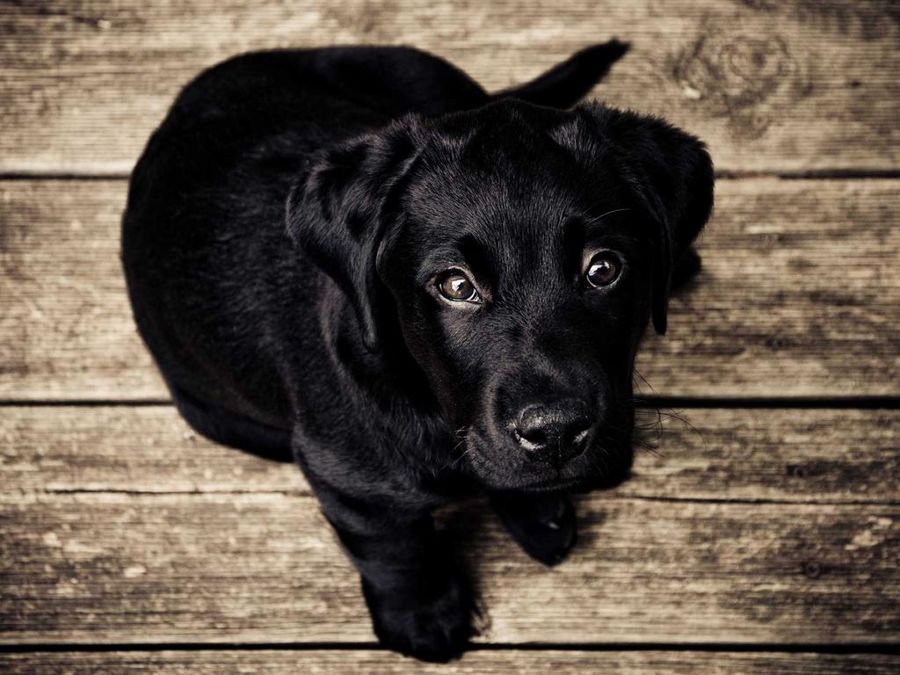
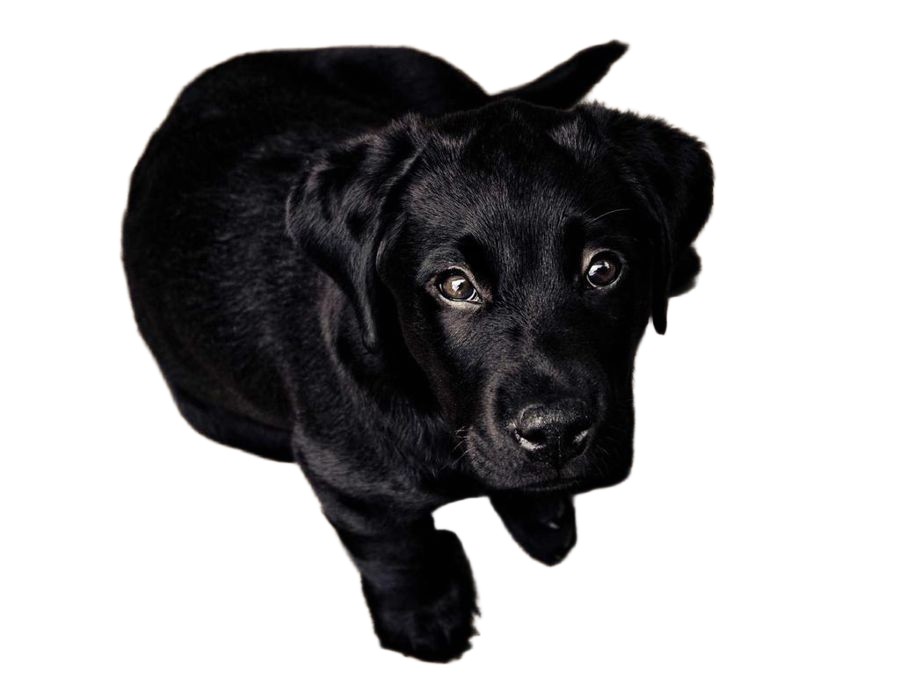
Separate subject (free) runs a segmentation model in your browser. Nothing uploads, and the first use downloads the model once. Separate subject (server, 1 credit) runs our strongest model, which is what produced the examples below: individual hair strands, scarf fringe, and whiskers on a black dog against a dark floor, all preserved. Either way you get a Subject layer and the background underneath as separate, independently editable layers.
Then complete the background
After separation, one more button (Fill behind) reconstructs the background where the subject was standing. Now the background works as a photo in its own right: move the subject, hide it, delete it, or replace it entirely, and nothing tears. A smooth background is filled free in your browser; a textured one goes to the server fill from 2 credits, and a person-sized hole in a busy scene routes through the HD pass at 6. The button shows the price before you press it.

Edges you can still change your mind about
In the exported PSD, the separation is attached as a real layer mask, not baked-in transparency — open it in Photoshop or Photopea and refine the edge with a brush if you want a different crop of the hair. Prefer open tools? The same file exports as OpenRaster for GIMP and Krita, free and unlimited.

Frequently asked
How is this different from remove.bg or Canva's background remover?
Those return a cutout PNG. This returns a layered file with the subject AND the completed background as separate layers: the difference between deleting the background and being able to edit both halves.
Is there a free version?
Yes: the in-browser model is free and needs no account, and so is the smooth-background fill. To try the stronger server model (1 credit) or the textured fill (from 2 credits), just sign up — you get 6 free credits and no card is required. The HD pass for large holes runs on a paid engine, so that one needs credits you have bought.
How does it handle hair and fur?
That is exactly what the server model is best at — see the unretouched examples on this page. The mask is soft-edged, and in the PSD it stays editable.
What happens to my photo?
The free path never uploads it. The server path processes it and deletes it — server copies are removed within 24 hours, and nothing is ever used for training.
Keep reading
Extract every object onto its own layerRemove an object and fill behind itProduct photos as layered filesDepth parallax wallpaper layersRelated
Pull the text out of an image — as text you can actually editMost "image to PSD" converters are fake. Here is the 30-second test.Free online color separation for screen printingSpot color separation, free and in your browserIndex color separation, and when to choose it over simulated processSimulated process color separation — and where automation stopsCMYK separation for screen printingHalftones for screen printing: lpi, angles, dot shape, film output