pixels → type
Pull the text out of an image — as text you can actually edit
* Free to use — selecting, editing and every export run in your browser, and nothing is uploaded unless you start a step that says it will: the AI tools, background removal on its sharper engine (an in-browser engine is one click away under the same button), or upscaling a photograph (logos and flat artwork are enlarged on your device). A free account (Google, Apple or an emailed code — no card) is needed to download the finished file, and comes with credits for the server-side tools.
OCR finds every line, AI erases the original pixels, and the exported PSD carries real text layers — change the words, not just move the pixels.
Extract text from an imageThree different jobs hide in this search
Copy the words out (any OCR site does that), delete the text from the photo (inpainting tools do that), or the hard one: recover the text AS TEXT — editable type layers sitting over a clean background, so you can fix a typo on a poster or translate a graphic without rebuilding it. Only the third gives you a working file, and it needs OCR, inpainting, and a PSD writer working together.
How Layersmith does it
Detect text (free) runs OCR in your browser, tuned separately for body text and large display type, and boxes every line it finds. Then choose: “Make editable, keep the original” (free) creates the editable text layers and leaves the image untouched, or “Make editable + remove original” also erases the original pixels — free where the background is smooth, up to 2 credits where it is textured and a server fill is needed. Splitting into layers now runs the free pass for you and never erases. The exported PSD contains genuine type objects — click one in Photoshop or Photopea and retype it.
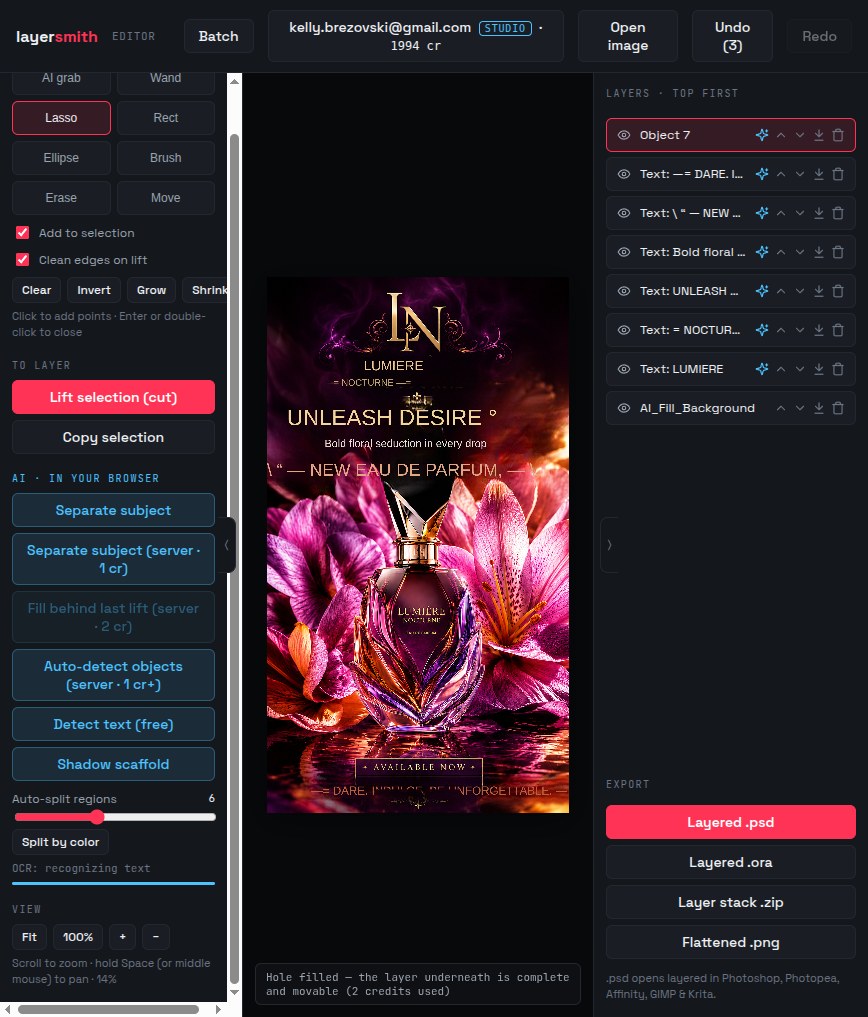
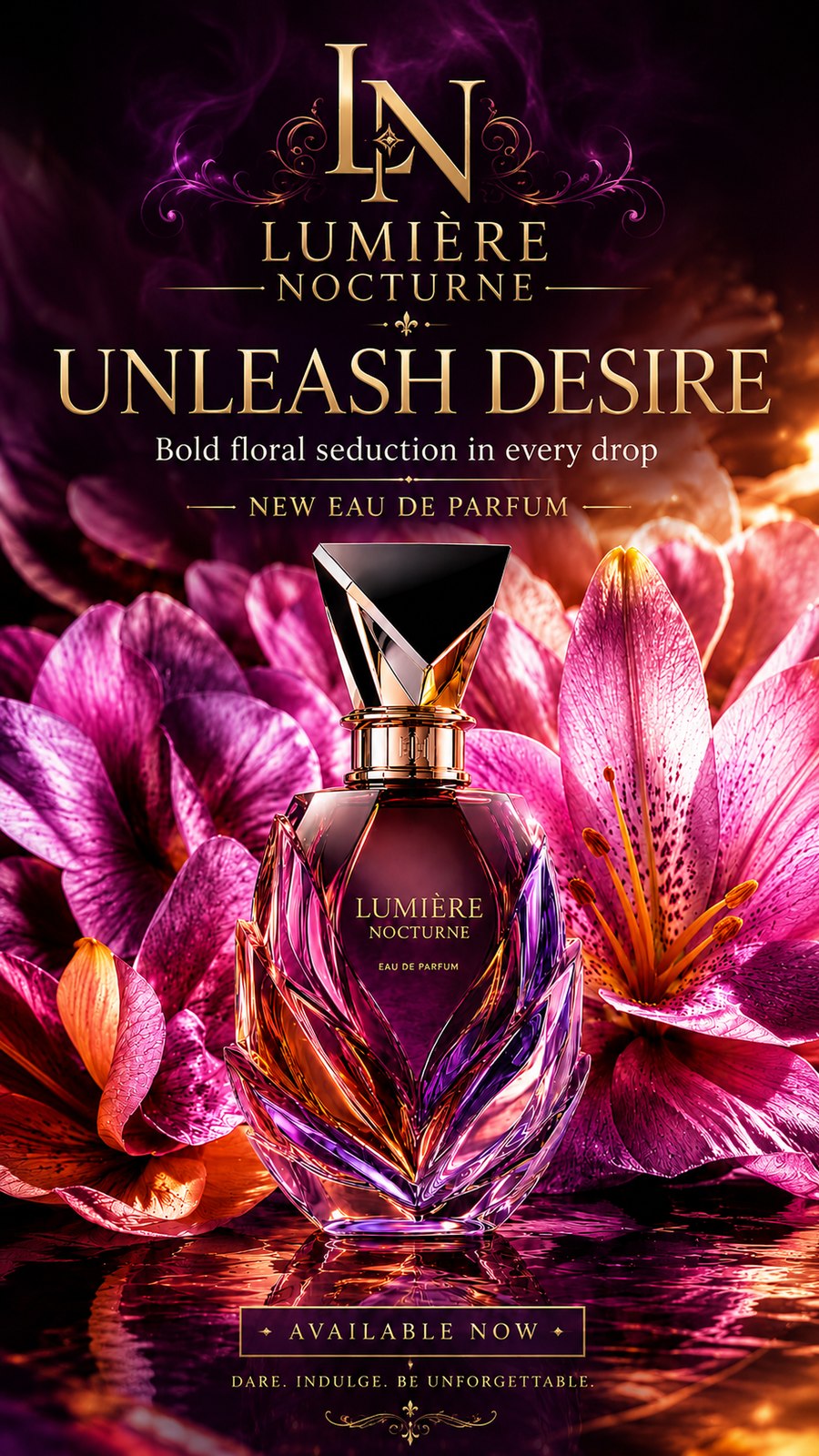
The gauntlet: a 4K perfume ad, de-texted
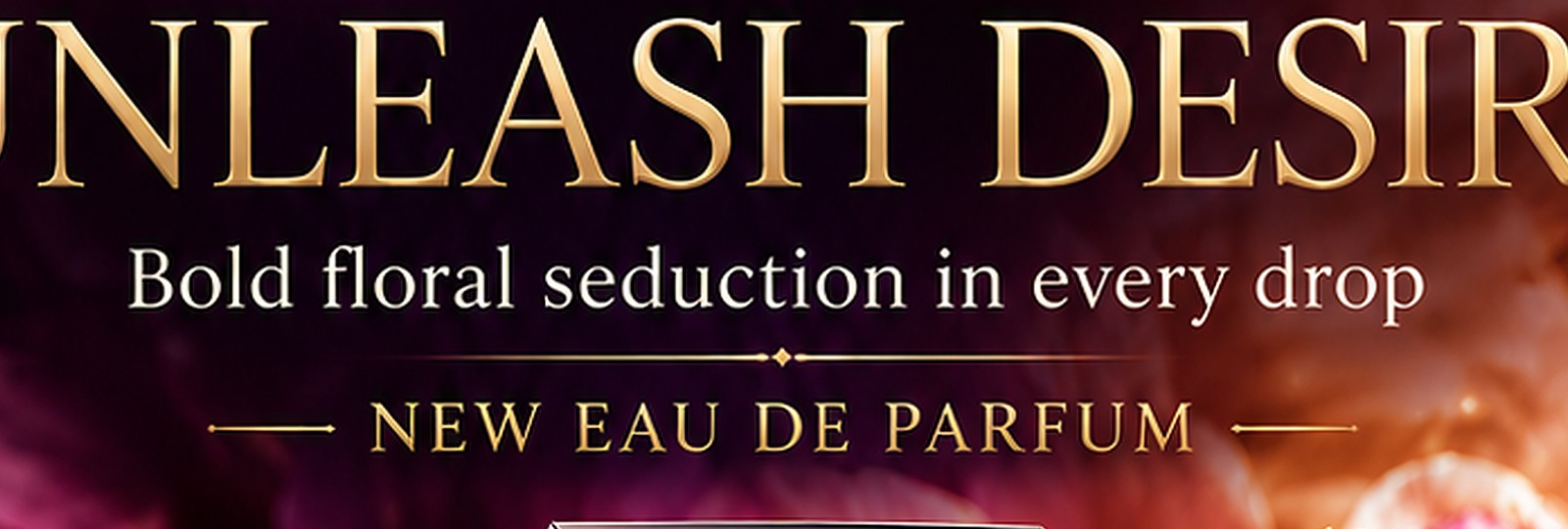
A 2160×3840 finished ad — metallic gold display type with glow, six sizes of copy, a busy floral background and water reflections. Detect text found the copy and one click lifted it to editable layers while the server fill rebuilt the background behind every line — glow, drop shadows and all. The boxed badge and flourishes (artwork, not type — OCR correctly ignores them) came off with a lasso + Fill behind in the same editor; the monogram stays as the brand mark. Below is the actual editor state and the clean 4K result.
Where it shines, and its honest limits
Best on clear, roughly horizontal text with decent contrast: posters, flyers, screenshots, memes, product labels. Font matching is not attempted — recovered text arrives in a clean default face for you to restyle, because guessing fonts badly is worse than not guessing. Heavily stylized, warped, or hand-lettered type may need the manual tools instead — as the boxed badge above shows, they finish the job in seconds.
Nobody else hands you type objects
Tools that "remove text" give you the background only. Tools that "extract text" give you a .txt file. The combination — editable type layers over an AI-cleaned background, in one PSD — is, as far as we can find, unique to Layersmith. We are not going to characterise what anyone else's "text layers" actually contain, because from the outside we cannot see it. What we can tell you is how to check in one click, on their file or ours: open the PSD, click the text layer, and see whether you get a cursor or a picture of words.

Frequently asked
Are the text layers really editable type?
Yes — real PSD text objects with the recognized string, positioned where the original text was. Open the file in Photoshop or Photopea, click the layer, and retype.
Does it match the original font?
No — deliberately. It recovers position, size, and content in a clean default face; you restyle to taste. Automated font guessing produces confident wrong answers, so we do not do it.
What languages work?
The OCR handles Latin-script languages best today. Detection quality drops on dense CJK or handwriting.
Is my image uploaded?
Text detection is fully in-browser. Only the optional erase step (labeled, 2 credits) sends the affected patch to the server, which deletes it after processing.
Keep reading
Make flattened text editable againScreenshot to an editable, layered PSDJPG to editable PSD with layersRelated
Most "image to PSD" converters are fake. Here is the 30-second test.Free online color separation for screen printingSpot color separation, free and in your browserIndex color separation, and when to choose it over simulated processSimulated process color separation — and where automation stopsCMYK separation for screen printingHalftones for screen printing: lpi, angles, dot shape, film outputHow to create a white underbase for dark garments