art → parallax
Split a background into parallax planes for your 2D game
* Free to use — selecting, editing and every export run in your browser, and nothing is uploaded unless you start a step that says it will: the AI tools, background removal on its sharper engine (an in-browser engine is one click away under the same button), or upscaling a photograph (logos and flat artwork are enlarged on your device). A free account (Google, Apple or an emailed code — no card) is needed to download the finished file, and comes with credits for the server-side tools.
Concept art comes flat; engines want planes. Split a background into sky / far / mid / near layers and feed them straight to Unity, Godot, or GameMaker as transparent PNGs.
Split a backgroundThe flat-art problem
Every parallax tutorial starts with "take your background layers…" — assuming you have them. If your background exists as one flat painting (commissioned art, asset-store find, or your own work you flattened years ago), you first have to cut it into depth planes, complete the art hidden behind each nearer plane, and export the stack. That is exactly what this pipeline does.
A real scene, split
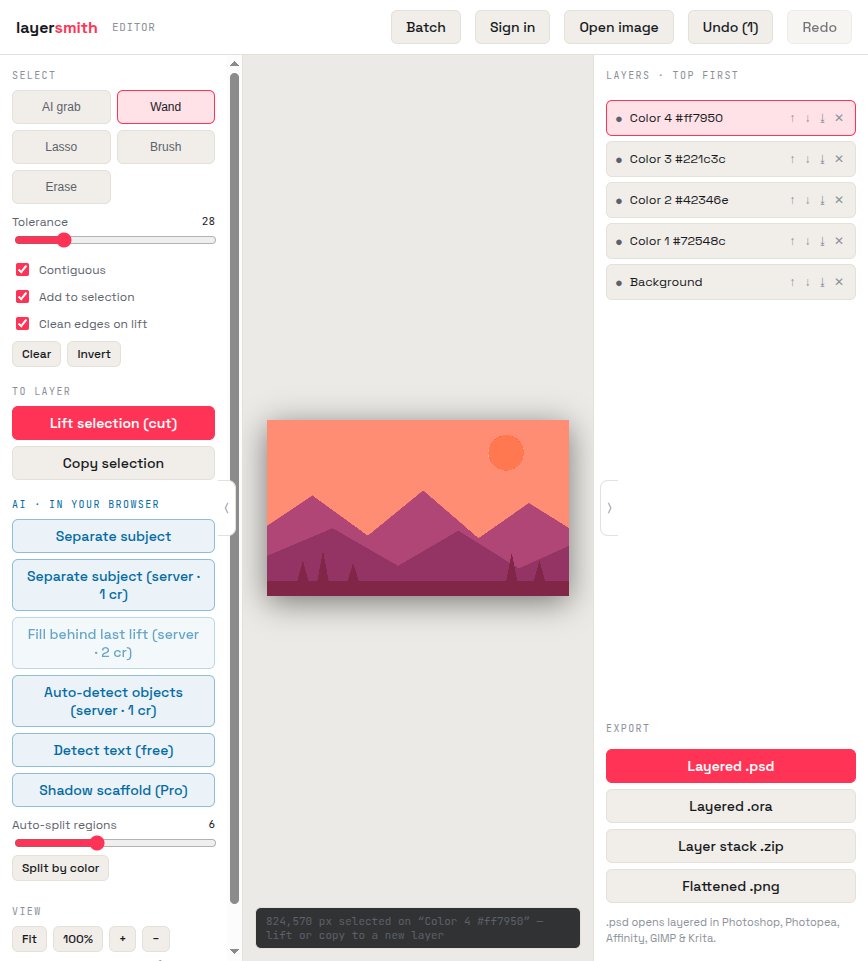
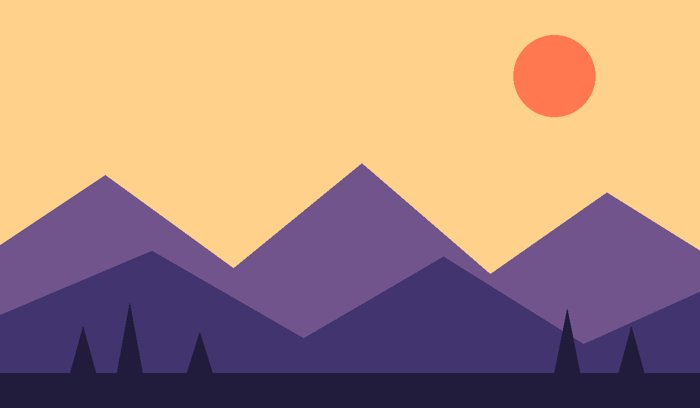
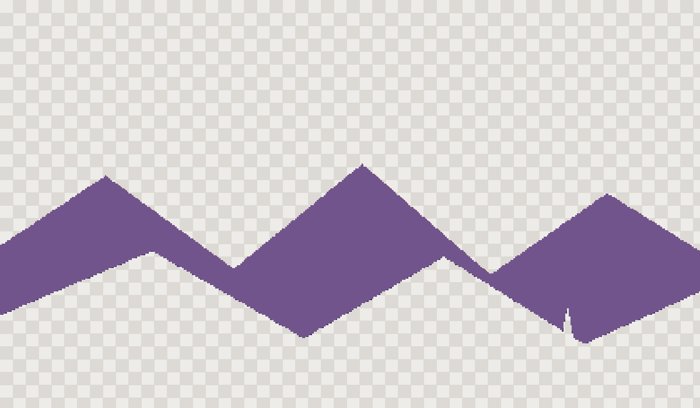
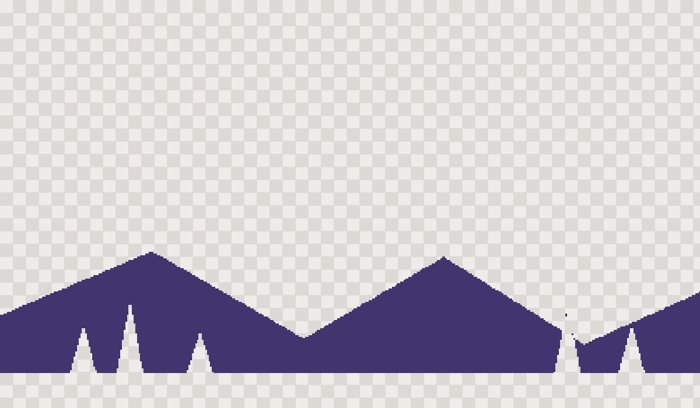
This stylized scene went through Split by color once: sun, far hills, mid hills, and ground each landed on their own layer over the sky. Painted scenes work too via AI grab — click each depth band and lift it. Where a nearer plane hides part of a farther one, Fill behind reconstructs the missing art so planes can scroll independently without gaps. Budget for that honestly: an occluded plane is a large hole, not a small patch, so it routes through the HD fill pass (currently 6 credits) rather than the 2-credit one — unless the hidden band is smooth, in which case the free in-browser fill handles it and costs nothing.
Engine-ready export
Export the Layer stack .zip: transparent, full-resolution PNGs numbered back-to-front — drag them into Unity sorting layers, Godot Parallax2D nodes, or GameMaker depth-ordered assets as-is. Or take the layered PSD/ORA into your paint tool for cleanup first.
Frequently asked
Does it work on painted (non-flat) backgrounds?
Yes — use AI grab to select each depth band. Flat/cel-styled art gets the one-click Split by color path shown above.
What about the art hidden behind nearer planes?
Fill behind reconstructs it, so each plane is complete and can scroll independently. Costs from 2 credits per fill — and be aware that a whole occluded parallax plane is the large-hole case by definition, so it routes through the HD pass, currently 6 credits. A smooth band (a flat sky, a gradient) is filled free in your browser instead. The price is on the button before you click.
What resolution do I get?
Full native resolution of your source art. No downscaling on export.
Keep reading
Depth parallax layers for Wallpaper EngineLive2D material separationSplit an image by object or colourRelated
How PSD layer writing actually worksRemove the object, fill the background, and keep the objectCanva can layer an image now — but only inside CanvaGet image layers into PowerPoint: the clean wayDepth parallax wallpaper layers from your own imageSeparate the subject from the background, and keep bothPull the text out of an image — as text you can actually editMost "image to PSD" converters are fake. Here is the 30-second test.