Real output. Zero retouching.
Everything below came straight out of the product — the same buttons you'll click. Judge the edges yourself, then try your own image; it is free, and it needs no account to run.
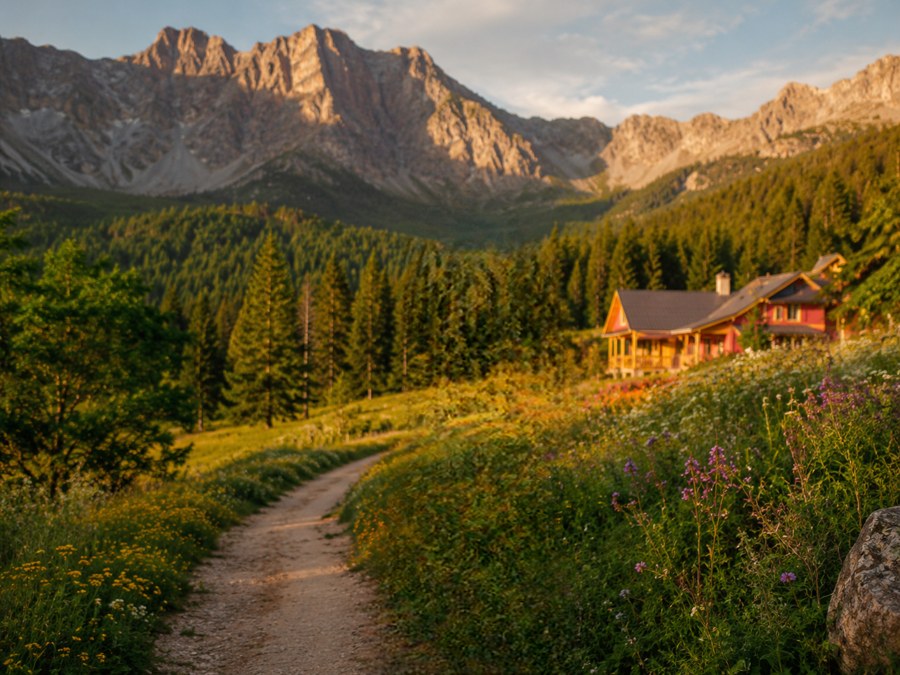
Garden path, subject removed in one click

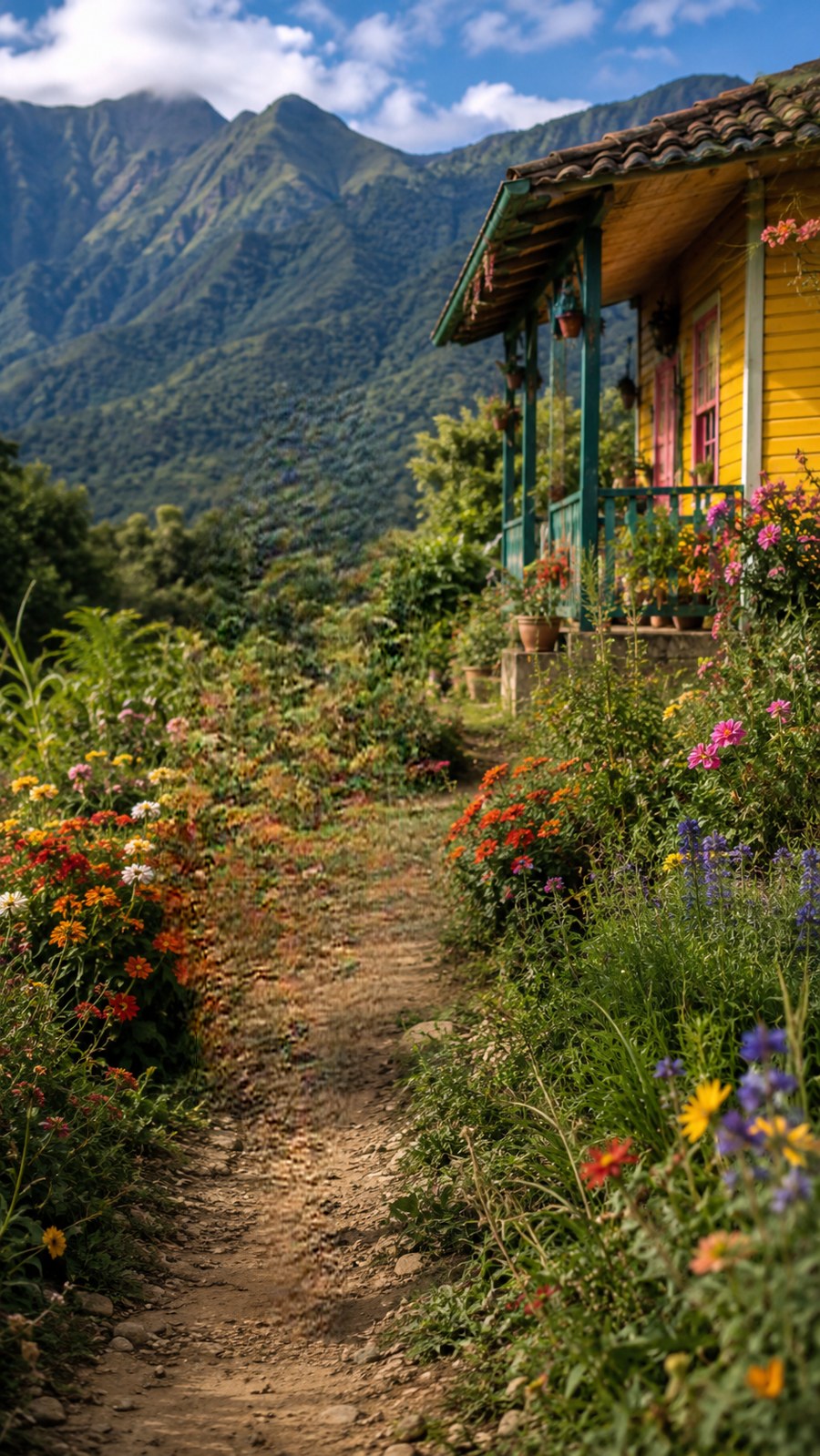
Flowers on both sides, a cabin, mountains — and the fill engine rebuilds the path and garden seamlessly where the subject stood. Full resolution, no invented objects, straight from the editor. Test scene generated for this demo.
The same subject, lifted with soft edges
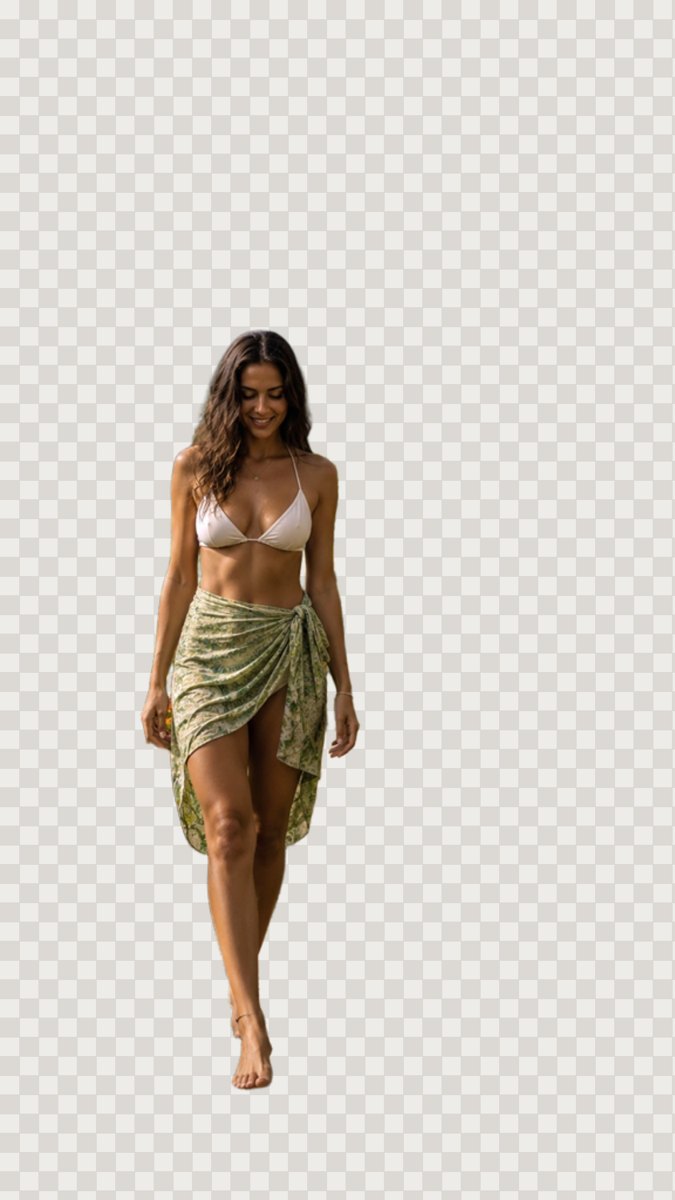
Hair against foliage, thin straps, a translucent sarong edge — the subject layer from the same one-click separation.
The gauntlet — flowing hair against a busy forest
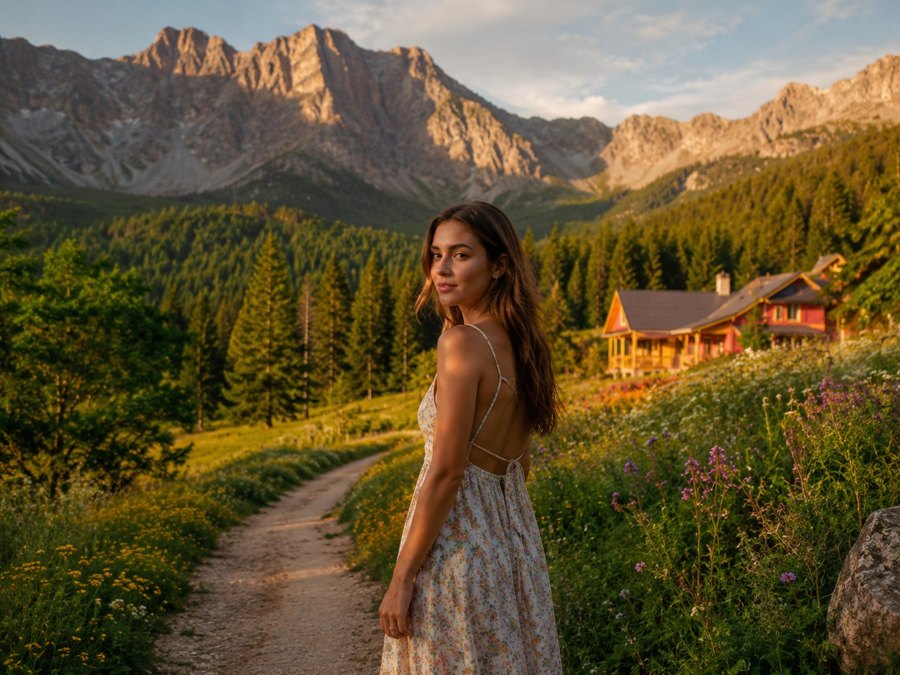
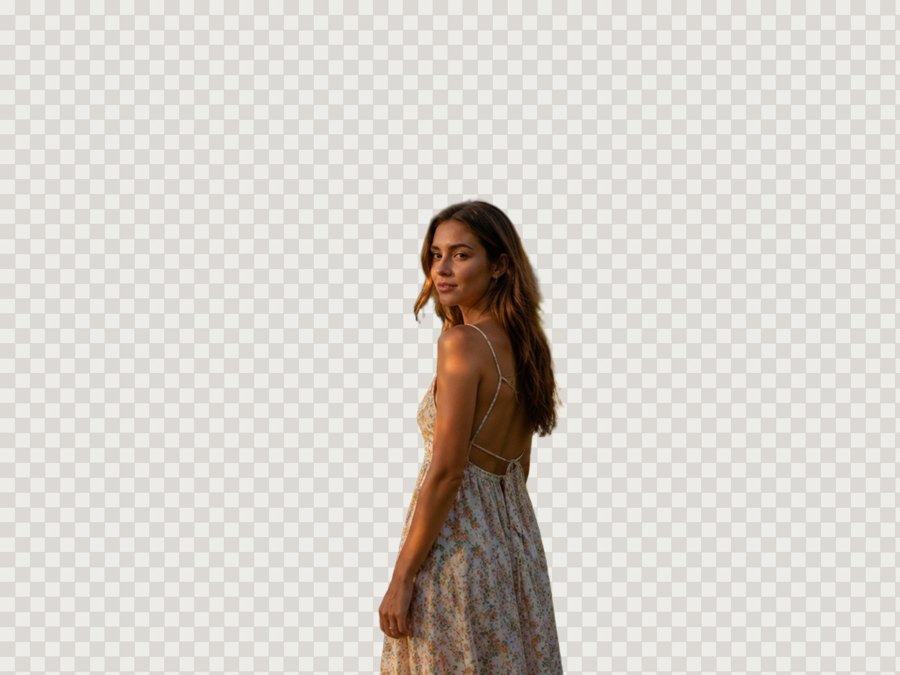
The hardest everyday case: loose hair against a detailed forest, thin dress straps, flowers crowding the subject. One click of Separate subject (server · 1 cr). Test scene generated for this demo.
The same scene, subject removed entirely
Meadow, path, and forest continue where the subject stood — one click of Fill behind (2 cr) on our new fill engine. No invented objects, full resolution. This is the layered file's background layer, straight from the editor.
The 4K text gauntlet — a finished ad, un-designed


Don't take our word for it — the actual exported files, straight from the editor: Layered .psd (29 MB)·Flattened .png (14 MB)
Metallic display type with glow, six sizes of copy, a translucent bottle in same-tone flowers — and this result was made BY HAND with the exact tools you get: rectangle-select each text block, Lift, HD fill behind, one block at a time, about twenty minutes end to end. Nothing typographic survives, including the label printed on the curved glass, and every removed element still exists as its own layer in the PSD below. Test ad generated for this demo.
The same lift at 100% zoom — find the seam


The honest test of a text erase is 100% zoom on a dark gradient, where every leftover halo shows. The fill mask scales with the type size, so the glow around each glyph goes with it.
Text extraction — every line back as editable type, in its font

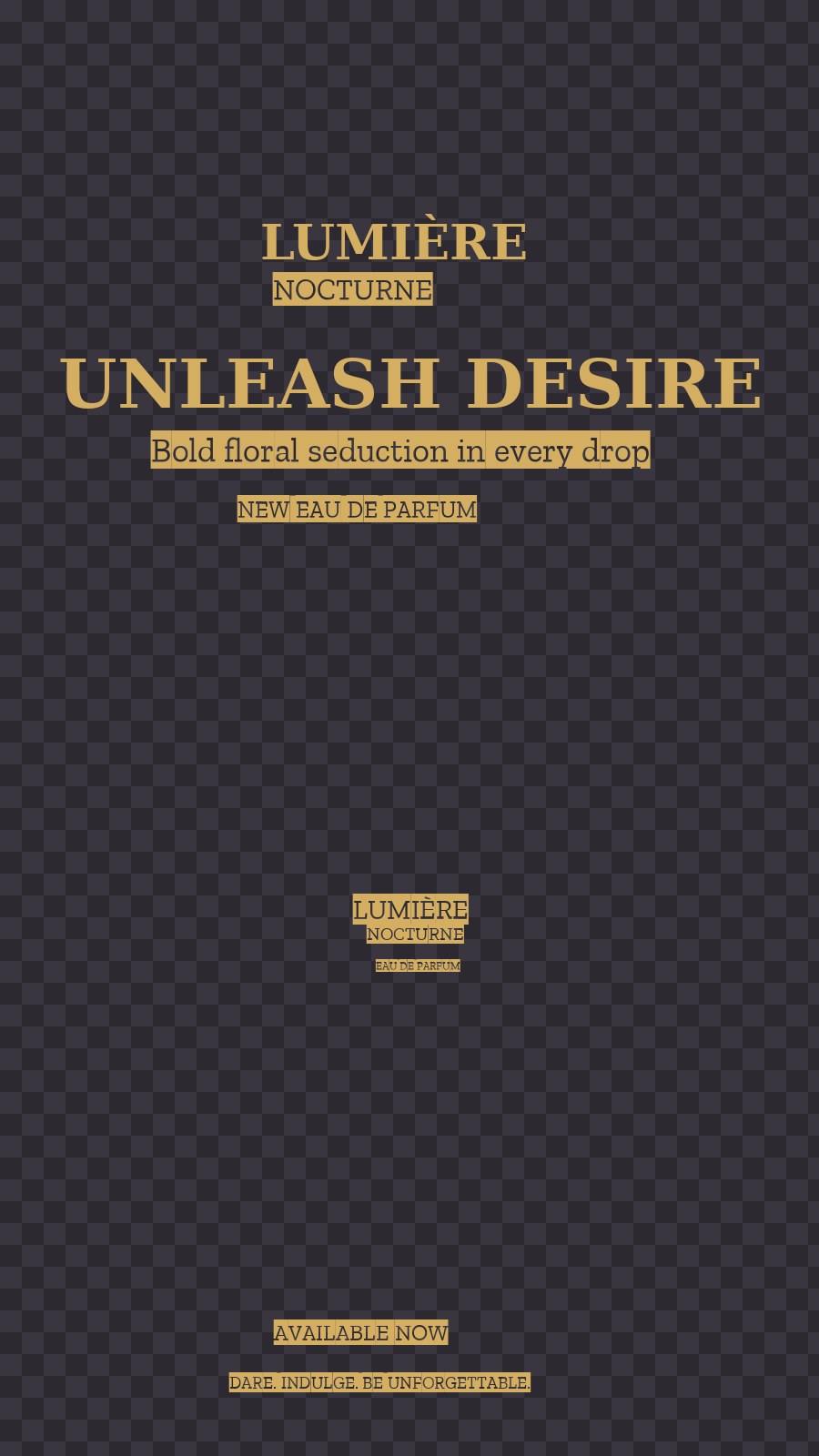
The text pass reads the lines it can find, a dedicated font model recognizes the typeface, and each line comes back as a real editable text layer rendered in the matched Google Font — shown here on a transparent checkerboard so you can see they are separate, movable layers, not a flattened picture. Edit the words right in the editor (same font kept) or in Photoshop; the PSD carries live type layers. Fonts the model can't place confidently fall back to a clean default rather than guessing wrong. Real output from this ad.
Auto-detect — one photo, five named layers, empty scene
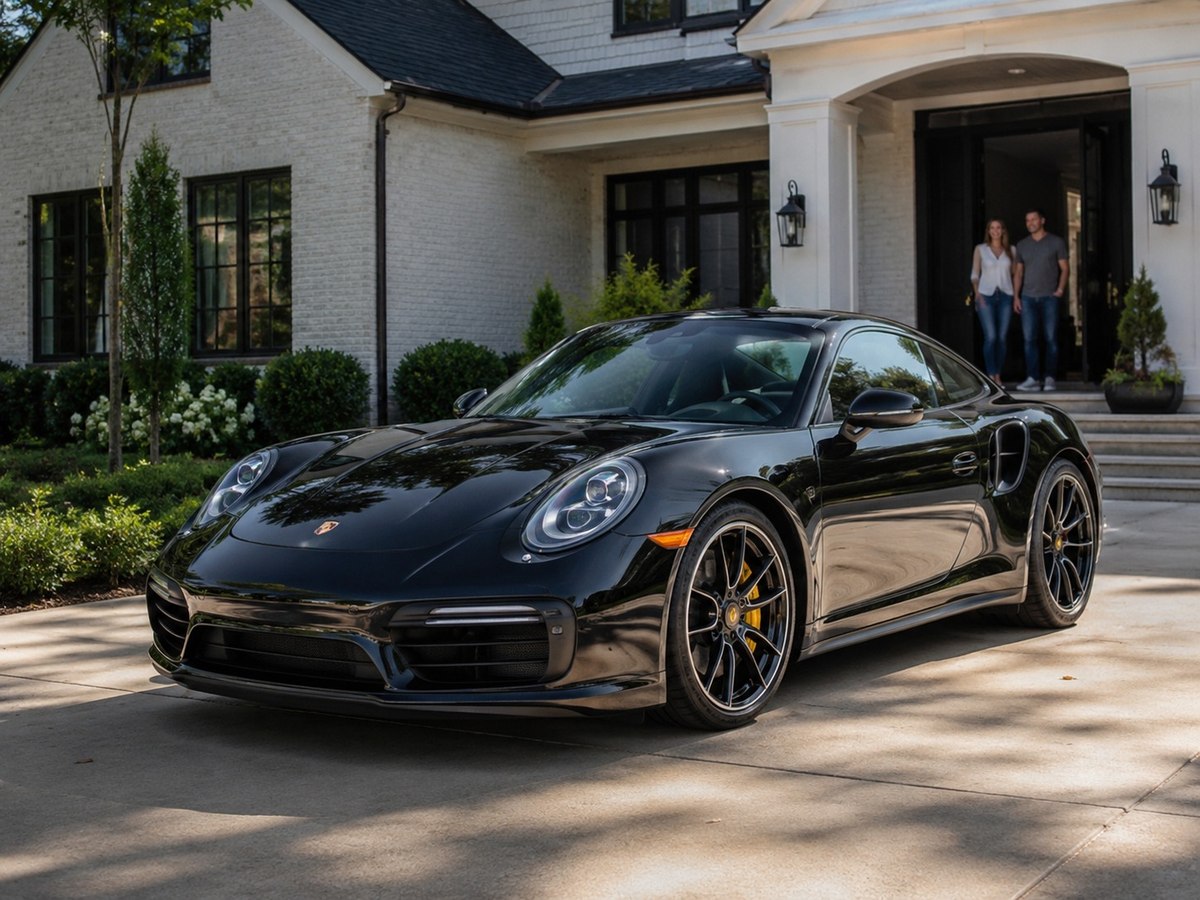
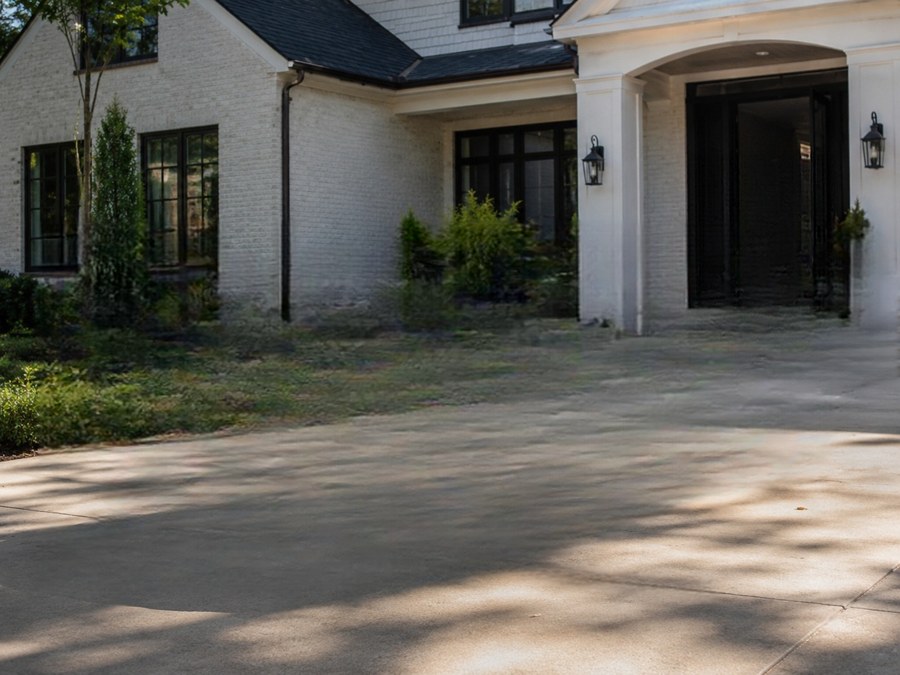
Auto-detect objects (server · 1 cr) lifts every object onto its own named layer — Car, Person, Person 2, Potted plant, Background. Then the fill engine rebuilt the scene behind each removal: driveway, hedge, steps, and the doorway itself. The layered PSD keeps every object, so this is a visibility toggle, not a deletion. Test scene generated for this demo.
The same driveway, car removed — shadow and all
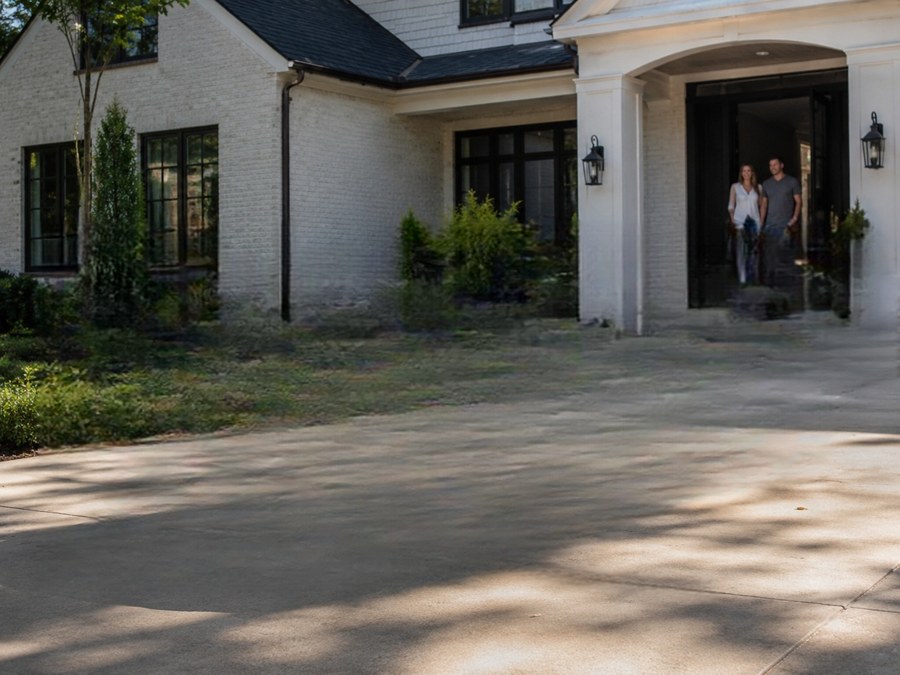
A car is the worst case for removal: it is huge, it casts a hard shadow, and the concrete texture behind it has to continue without a seam. Fill behind (2 cr) rebuilt the driveway, the hedge line, and the porch steps — including where the cast shadow fell.
Reflective black paint, cut clean
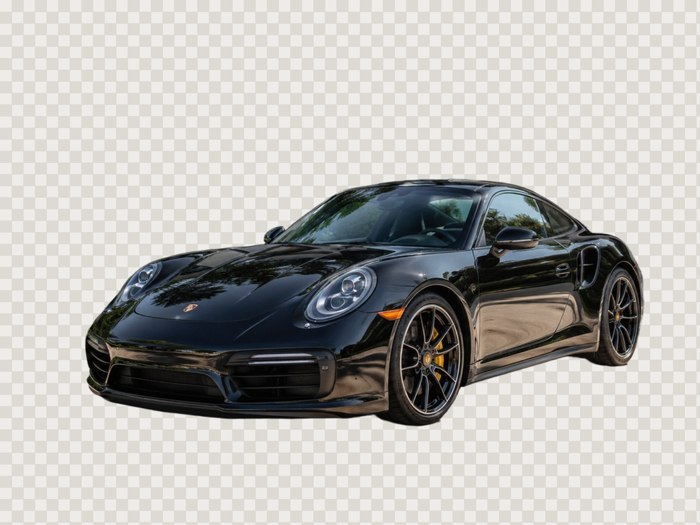
Glossy black paint reflects the whole scene, which fools edge detectors. Separate subject (server · 1 cr) kept the wing mirrors, the glass, and the shadow line under the sills.
Transparent glass on a same-color background

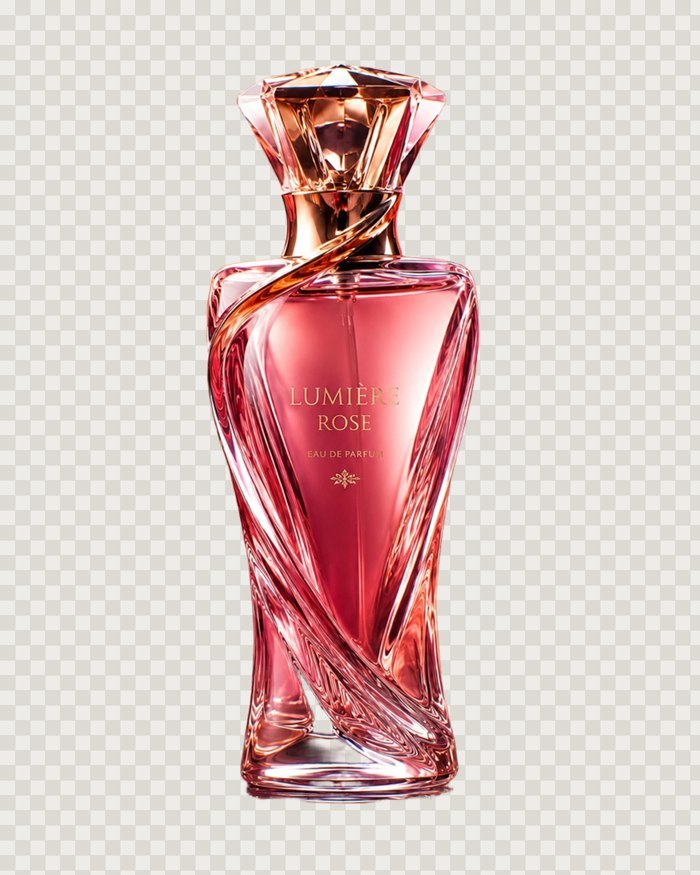
A pink translucent bottle photographed on a pink background: almost no edge contrast, and the glass shows the backdrop through it. This is the cutout straight from the editor — ready to drop onto any e-commerce background. Test product generated for this demo.
Subject separation — fine hair, real edges


One click on the subject. Individual hair strands and the frayed scarf edge survive the cut — this is the server model (1 credit); the free in-browser model is one notch behind it.
The hard case — black dog, dark floor

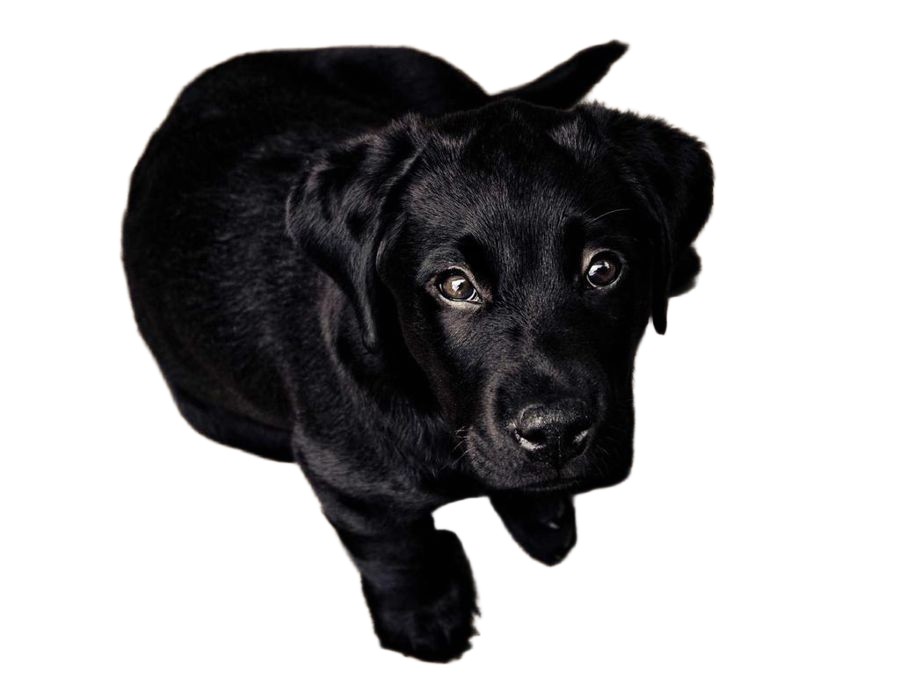
Low-contrast subjects are where background removers usually fall apart. The mask keeps the whiskers.
Object-sized fills are seamless

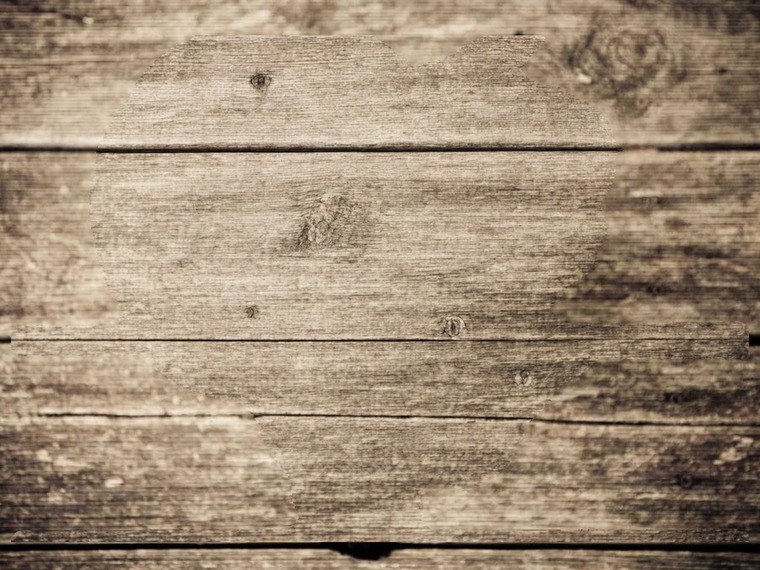
A whole puppy — 51% of the frame — lifted out, and the wood-plank floor rebuilds across the hole: grain, knots and plank seams all continuous, no ghost. The fast local model roughs in the fill for free, then one HD pass polishes it seamless. Real output from the editor.
Your image next.
Free*, and nothing is sent anywhere until you press something that says it will be. *a free account — Google, Apple or an emailed code, no card — is needed to download the result.
Try it on an image