product → layers
Your product photos, as layered files you own
* Free to use — selecting, editing and every export run in your browser, and nothing is uploaded unless you start a step that says it will: the AI tools, background removal on its sharper engine (an in-browser engine is one click away under the same button), or upscaling a photograph (logos and flat artwork are enlarged on your device). A free account (Google, Apple or an emailed code — no card) is needed to download the finished file, and comes with credits for the server-side tools.
AI background-swap tools generate pretty pictures you can't edit. This gives you the layered file instead: product cutout, complete background, contact shadow — compose your own variants, forever.
Layer a product photoFile ownership beats generation
The current crop of e-commerce tools (Photoroom, Claid and friends) generate finished scenes: upload product, receive pretty JPEG. Great until you need the same product on next season's background, at a different crop, with the shadow adjusted — then you re-generate and re-pay. The layered-file approach front-loads the work once: with the product, shadow, and background as separate layers, every future variant is a five-minute edit you do yourself.
One product, separated
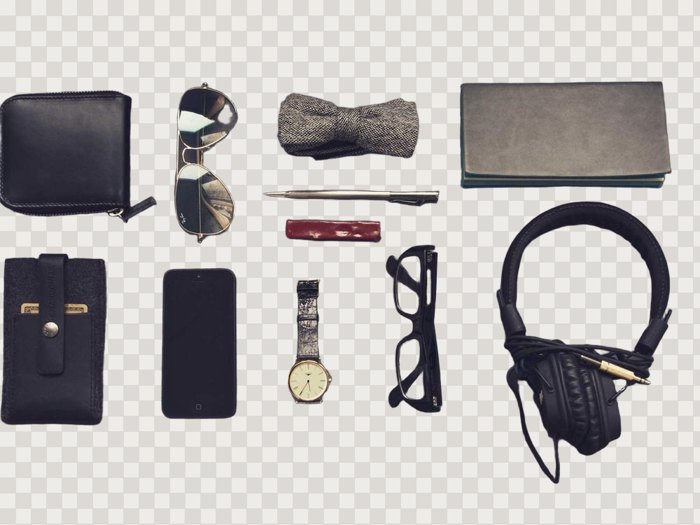
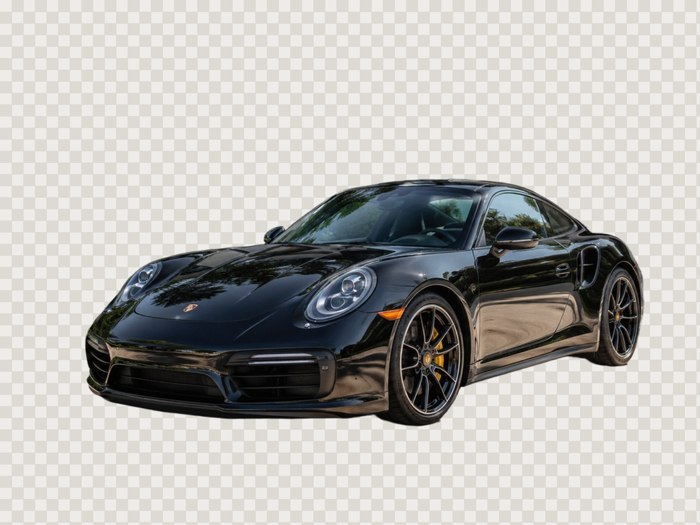
This is real output: a product shot separated by the server model (1 credit). Edges on glass and metal are the honest test — see the samples page for more. Add the Shadow scaffold and the product sits on a soft contact shadow layer instead of floating. One disclosure, because it matters when you are judging edge quality: the car frames further down are a test scene generated for this demo, not a photograph. Synthetic images are unusually clean, so treat them as a floor on what the model can do rather than proof of what it does on your studio files.
One image at a time, and nothing kept
Layersmith works a single image at a time — the in-browser tools never upload at all, and anything that does reach our servers is deleted within 24 hours, backed by a storage lifecycle rule rather than a promise. Nothing you send is used to train models, which matters when the files belong to your customers rather than to you.
Swap backgrounds on your terms
With the layered PSD you can drop in brand-colored backdrops, seasonal scenes, or marketplace-required pure white — in Photoshop, Photopea, or even Canva via the PNG stack. The file is yours; the workflow doesn't rent-seek.



Frequently asked
How does pricing compare to Photoroom?
Check their current pricing on their own site rather than trusting a figure on ours — that market moves fast and is trending toward unlimited. The structural difference is what you pay for: theirs is a subscription for generated scenes, and what you take away is a render. Layersmith removes backgrounds free, on your machine or on our server as you choose, and server credits come from a monthly plan or a one-off pack — plus unlimited in-browser tools, and you keep an editable layered file rather than a finished picture.
Marketplace white backgrounds?
Easy: cutout layer over a white layer, export. Amazon/eBay requirements are a two-click composite once you have the layers.
What about reflective or transparent products?
Glass and metal are the hard cases for any model. The server model handles them best; the mask stays editable in the PSD so you can fix edge cases by hand.
Keep reading
Separate a subject and keep the backgroundRemove an object and fill behind itImage to PSD with real layersRelated
Split a background into parallax planes for your 2D gameHow PSD layer writing actually worksRemove the object, fill the background, and keep the objectCanva can layer an image now — but only inside CanvaGet image layers into PowerPoint: the clean wayDepth parallax wallpaper layers from your own imageSeparate the subject from the background, and keep bothPull the text out of an image — as text you can actually edit